💳 How to Setup Alipay as a Foreigner
Complete step-by-step guide to bind your international credit card
✅ Updated: March 2026 (Verified with Alipay+ Official) | ⏱️ Time needed: 15-20 minutes | 💳 Cards accepted: Visa, Mastercard, JCB, Diners Club, Discover
📋 Before You Start
✅ What You Need
- ✓
Valid passport
For identity verification
- ✓
International credit/debit card
Visa, Mastercard, JCB, Diners Club, or Discover
- ✓
Foreign phone number
Can receive SMS verification codes
- ✓
Alipay app
Download from App Store or Google Play
⚠️ Important Notes
- ⚠️
Setup BEFORE arriving in China
Much harder to complete verification after arrival
- ⚠️
Transaction fees apply
3% fee for transactions over 200 CNY (~$28)
- ⚠️
Some features limited
Red packets, wealth management not available for foreign users
📖 Step-by-Step Setup Guide
Official Quick Start (Alipay+)
According to Alipay+ official guide, getting started takes just 2 steps:
Download & Register
Download Alipay App, enter your mobile phone number, tap "Next" to register.
Add Bank Card
Tap "Add Now" and follow on-page prompts to complete the process.
Source: Alipay+ Official Website
Download Alipay App
Get the official Alipay app from your app store
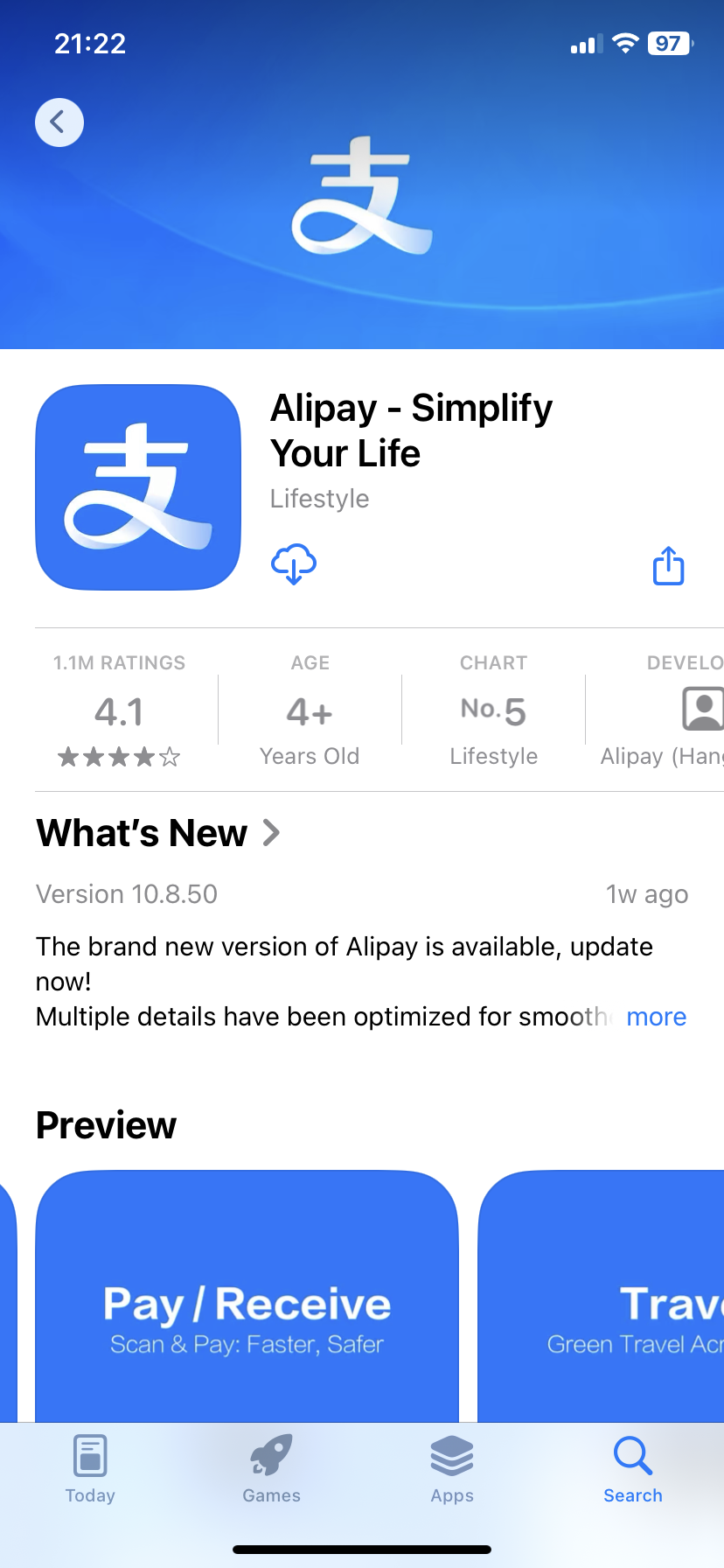
For iOS (iPhone):
Search "Alipay" in the App Store
Look for: Alipay - Simplify Your Life by Alipay (China) Co., Ltd.
For Android:
Search "Alipay" in Google Play Store
Or download from official website: intl.alipay.com
💡 Tip: The app icon is blue with "支" character. Make sure to download the official app, not third-party clones.
Sign Up with Phone Number
Create your Alipay account using your foreign phone number
- 1
Open Alipay app
Tap "Sign Up" or "Register"
- 2
Select your country
Choose your country code from the dropdown (e.g., +1 for US, +44 for UK)
- 3
Enter your phone number
Don't include the country code again, just your local number
- 4
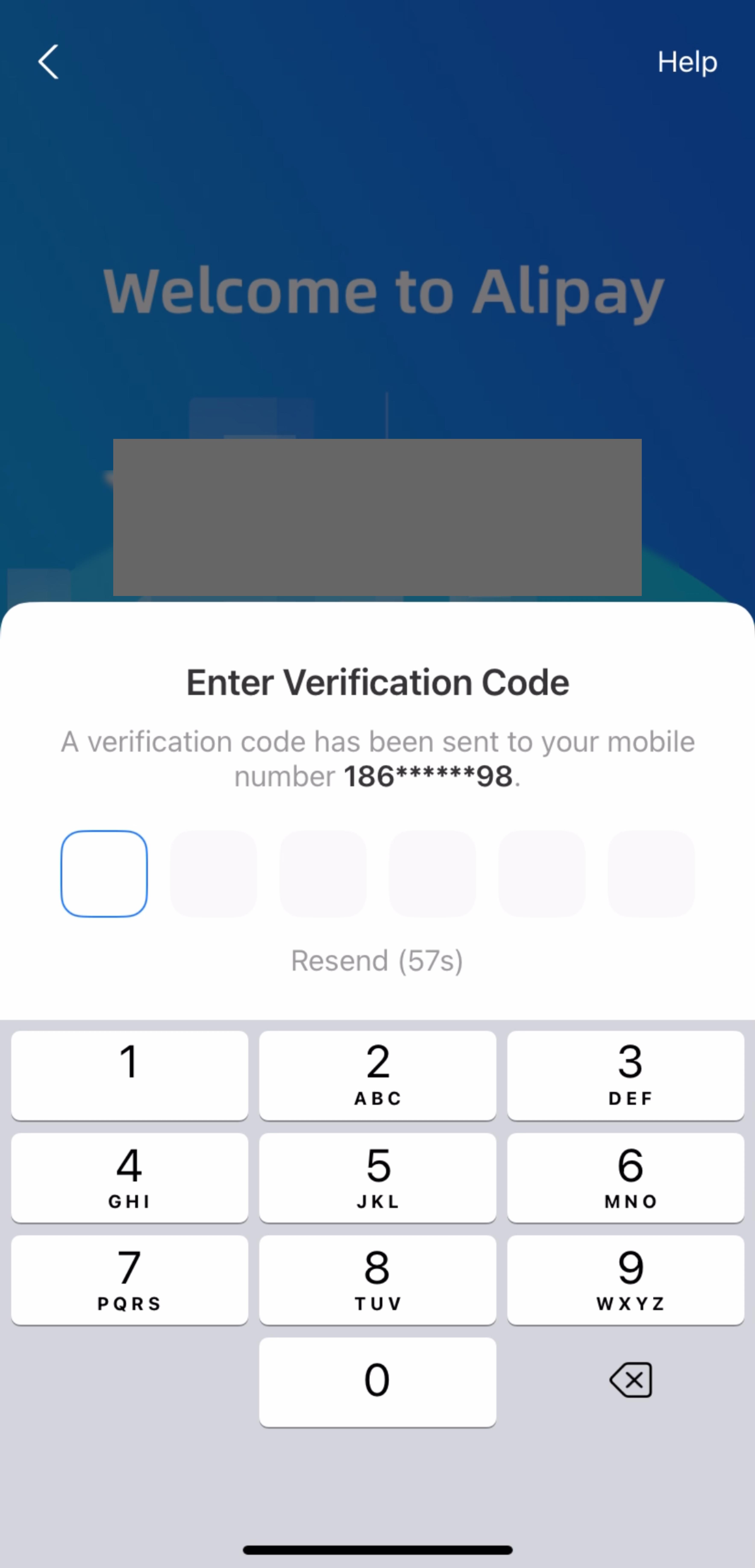
Get SMS verification code
Wait for the 6-digit code (may take 1-2 minutes)
- 5
Enter the code
Code expires in 5 minutes, enter it quickly
⚠️ Troubleshooting: If you don't receive the SMS code, try again after 5 minutes. Some carriers block international SMS. You can also try using a different phone number.
Complete Real-Name Verification
Verify your identity with passport (required by Chinese law)
- 1
Go to "Me" tab
Bottom right corner of the app
- 2
Tap your name/profile
Or look for "Identity Verification" or "Real-Name Auth"
- 3
Select "Passport" as ID type
Options: Passport, Mainland Travel Permit, etc.
- 4
Enter passport information
• Full name (as shown in passport)
• Passport number
• Date of birth
• Expiry date
• Nationality
- 5
Upload passport photo
Take a clear photo of your passport info page (good lighting, no glare)
- 6
Take a selfie (if required)
Follow the on-screen instructions for facial recognition
Screenshot: Passport Information Form
Show the passport details entry form
• Full name field
• Passport number field
• Date of birth picker
• Expiry date picker
• Nationality dropdown
• "Submit" or "Next" button
Screenshot: Passport Photo Upload
Show the camera interface for passport photo
• Camera viewfinder
• Sample image showing correct positioning
• "Take Photo" button
• Tips for good photo (good lighting, no glare)
✅ Verification time: Usually instant, but can take up to 24 hours. You'll receive a notification when approved.
📸 Photo tips:
- • Use good lighting (natural light is best)
- • Place passport on a flat, dark surface
- • Make sure all 4 corners are visible
- • Avoid glare and shadows
- • Text must be clear and readable
Add Your International Credit Card
Bind your Visa/Mastercard to start paying
- 1
Go to "Me" tab
Bottom right corner
- 2
Tap "Bank Cards" or "Cards"
Look for the credit card icon
- 3
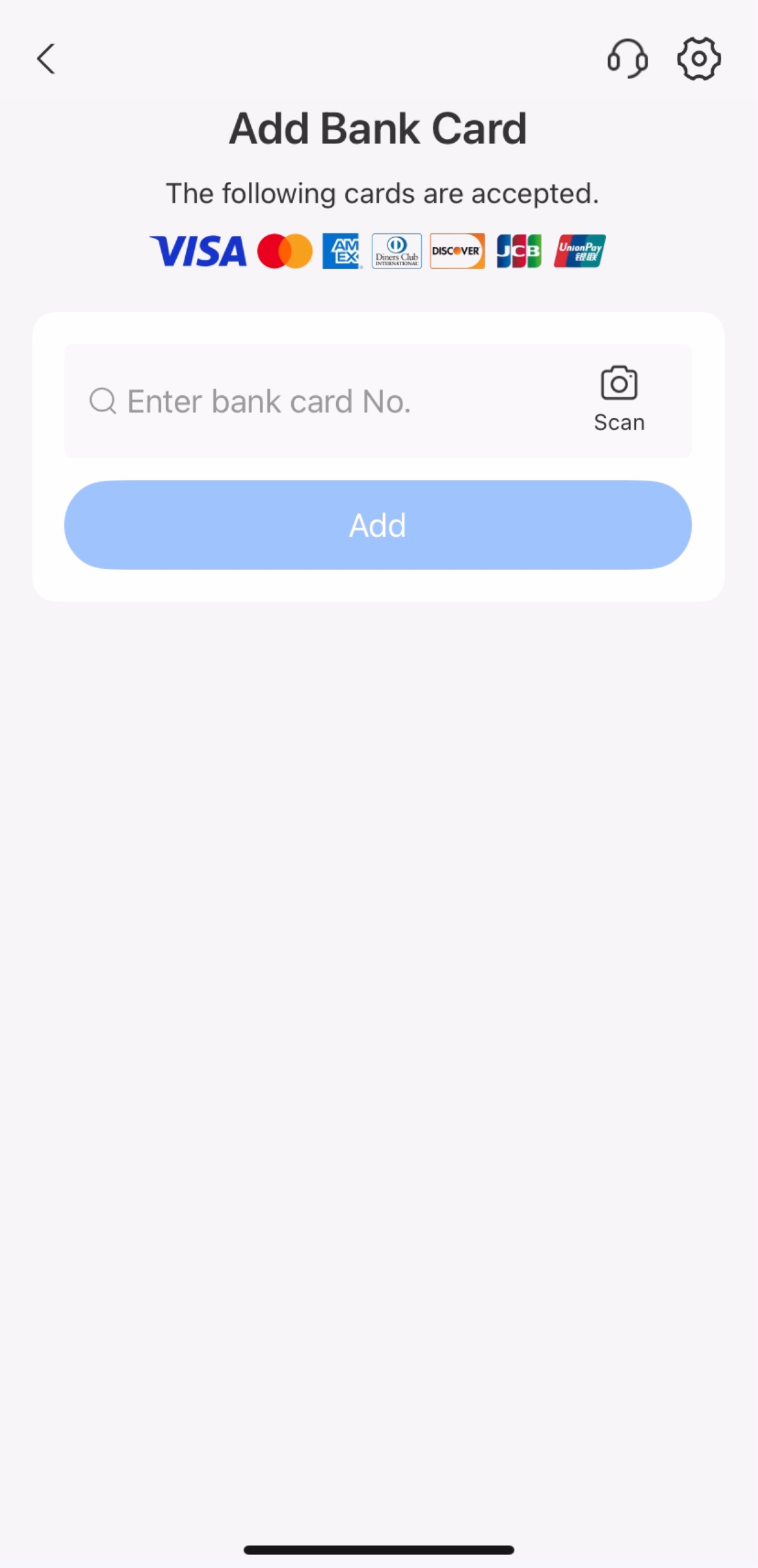
Tap "Add Card"
The big "+" button
- 4
Enter card details
• Card number (16 digits)
• Expiry date (MM/YY)
• CVV (3 digits on back)
• Cardholder name (as on card)
- 5
Enter billing address
Use your home country address (can be same as passport address)
- 6
Verify with your bank
Some banks require additional verification via SMS or banking app
- 7
Set payment password (6 digits)
Choose a 6-digit PIN for payments (different from login password)
Screenshot: Payment Password Setup
Show the 6-digit PIN setup screen
• "Set Payment Password" title
• 6-digit PIN input (dots for security)
• "Confirm Password" screen
• Numeric keypad
💡 Pro Tip: Search "Alipay+" in the app for the official international card setup guide. Alipay+ is specifically designed for foreign users.
⚠️ Card Issues? Some banks block international transactions by default. Call your bank to authorize transactions with Chinese merchants if the card is declined.
Start Using Alipay!
You're ready to pay in China
📱 How to Pay:
Screenshot: Scan QR Code Interface
Show the camera scanning a merchant's QR code
• Camera viewfinder with QR code frame
• "Flash" button
• "Album" button
• Scan line animation
Screenshot: Payment Confirmation
Show the payment amount and confirm button
• Amount display (e.g., ¥50.00)
• Merchant name
• Payment method (card ending in XXXX)
• "Pay Now" button
Screenshot: Payment Success
Show the transaction complete screen
• Green checkmark
• "Payment Successful" message
• Payment amount
• Transaction ID
• "Done" button
Option 1: Scan Merchant's QR Code
- 1. Tap "Scan" at the top of the app
- 2. Point camera at merchant's QR code
- 3. Enter amount (if not pre-filled)
- 4. Enter your 6-digit payment password
- 5. Show confirmation to merchant
Option 2: Merchant Scans Your Code
- 1. Tap "Pay/Collect" at the bottom
- 2. Show your QR code to merchant
- 3. Merchant scans and deducts amount
- 4. You'll see confirmation instantly
✅ Success! You can now use Alipay at millions of merchants across China - from luxury malls to street vendors!
💰 Transaction Fees Explained
| Transaction Amount | Fee | Example |
|---|---|---|
| ≤ 200 CNY | FREE | Meal, taxi, coffee - no fee! |
| > 200 CNY | 3% fee | 200 CNY purchase = 6 CNY fee (~$0.85) |
💡 Money-saving tip: For large purchases (>200 CNY), consider splitting into multiple transactions if the merchant allows it. For example, two payments of 150 CNY instead of one payment of 300 CNY saves you 9 CNY in fees.
Note: Exchange rates are set by your card issuer, not Alipay. Check with your bank for foreign transaction fees (typically 1-3% on top of Alipay's fee).
🔧 Common Issues & Solutions
Card Declined / Payment Failed
Your international card is rejected when trying to add or pay.
✅ Solutions:
- • Call your bank: Inform them you're traveling to China and authorize international transactions
- • Check card type: Ensure it's Visa, Mastercard, JCB, or Diners Club (UnionPay works best)
- • Verify billing address: Make sure it matches what your bank has on file
- • Try a different card: Some banks are more China-friendly than others
- • Check card expiry: Ensure your card won't expire during your trip
SMS Verification Code Not Received
You're not getting the 6-digit verification code.
✅ Solutions:
- • Wait 5 minutes: Sometimes there's a delay with international SMS
- • Check spam/junk: Some carriers filter these messages
- • Try again: Request a new code (max 3 attempts per hour)
- • Use different number: Try another phone number if possible
- • Enable international roaming: Contact your carrier before traveling
Identity Verification Failed
Your passport verification was rejected.
✅ Solutions:
- • Better photo quality: Ensure all text is clear and readable
- • No glare: Avoid flash reflection on the passport photo page
- • All corners visible: Don't crop the passport edges
- • Match information: Enter name exactly as shown in passport
- • Wait 24 hours: Sometimes verification takes time, check back later
Payment Password Forgotten
You forgot your 6-digit payment PIN.
✅ Solution:
- • Reset via app: Go to Me → Settings → Payment Settings → Reset Payment Password
- • Verify identity: You'll need to re-verify with passport
- • Create new PIN: Choose a memorable but secure 6-digit code
- • Write it down: Store it securely until you memorize it
💳 Alternative Payment Methods
If Alipay doesn't work for you, here are backup options:
WeChat Pay
More widely accepted than Alipay in some areas, but setup can be trickier for foreigners.
- • Setup: WeChat app → Me → Services → Wallet → Cards
- • Verification: Same passport process as Alipay
- • Limitation: May require Chinese friend to verify initially
Cash (CNY)
Still accepted everywhere, but vendors may not have change for large bills.
- • ATMs: Bank of China, ICBC, China Construction Bank
- • Bring: Always carry some 10s and 20s
- • Tip: Say "keep the change" for small purchases
UnionPay Card
China's domestic card network. Works at most ATMs and many POS terminals.
- • Get before trip: Some international banks offer UnionPay cards
- • ATM withdrawal: Works at most Chinese ATMs
- • Fees: Check with your bank for foreign withdrawal fees
Ask Your Hotel
Hotels can often help with payments or exchange cash for digital payment.
- • Concierge: Can help make payments on your behalf
- • Exchange: Some hotels exchange cash for WeChat/Alipay transfer
- • Tip: Build good relationship with hotel staff
🔗 Official Resources & Support
Alipay Customer Service
Service time: 08:00 - 24:00 (GMT+8), Monday - Sunday
🇨🇳 From China (local): 0571-2688 6000
🌍 From overseas: +86 571 2688 6000
In-app: Me → Help & Support (Help Center)
Alipay+ Official Consumer Guide
Pay with your home e-wallet in China
https://www.alipayplus.com/consumer/https://www.alipayplus.com/pay-in-the-chinese-mainland/Supported International Cards
Major card networks accepted:
- • Visa (Credit & Debit)
- • Mastercard (Credit & Debit)
- • JCB
- • Diners Club
- • Discover
Email Support
intl.support@alipay.com
Response time: 24-48 hours
💡 Pro Tip: Save the customer service number in your phone BEFORE arriving in China. It's much harder to call international numbers once you're there without WiFi.
✅ Source: Information verified from Alipay+ official website (March 2026)